Webfs Synchronisation
This tool yet is only used in the context of the OECD.
Context
The goal is to synchronize data files located on Azure Blob Storage with a GCP Bucket accessible by sxs to ingest data.
Previously, an op had to copy files manually from Azure to GCP, thanks to the webfsSync tool, files are copied automatically to the target bucket.
The technical context is that only anonymous reads are allowed by Azure, and list commands are forbidden.
To compensate for this, OECD ops will create a catalog file sxs.json which identify all files newly created under folder sxs.
Installation
RabbitMQ Confy Azure Blob Storage
Azure catalog file is accessbile under 'https://webfssdd.blob.core.windows.net/files/sxs/sxs.json'
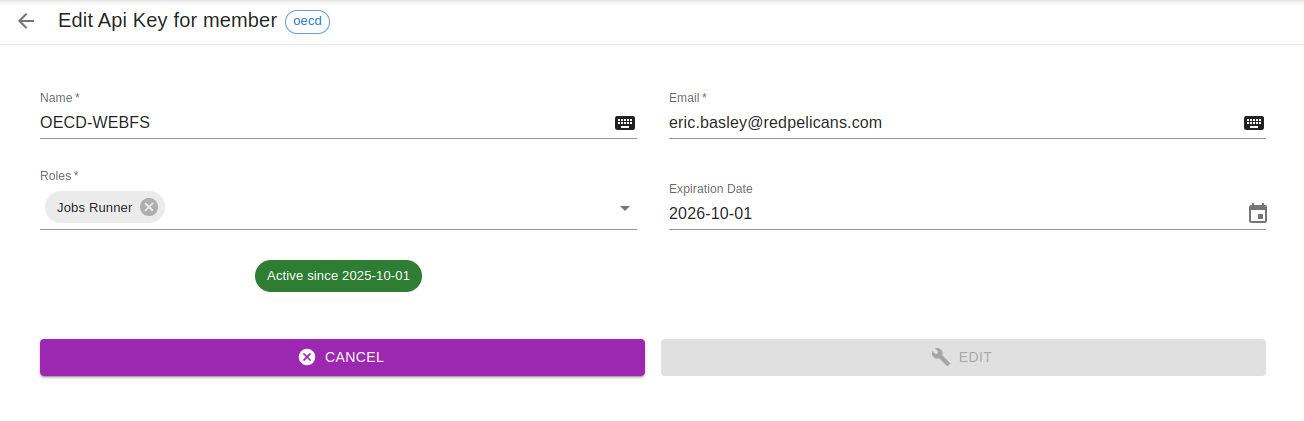
Reuse the same environment variables as for lxs and add a new variable WEBFS_API_KEY=<API_KEY>
This API key is required to allow webfsSync to create a Job
Run webfsSync as:
On production run this tool as a Kubernetes CronJob once a day.
To ingest data, just open Xplor:
- open Maintenance > Datasets
- select the right artefact
- select the right file via
IMPORT FILES FROM CLOUD
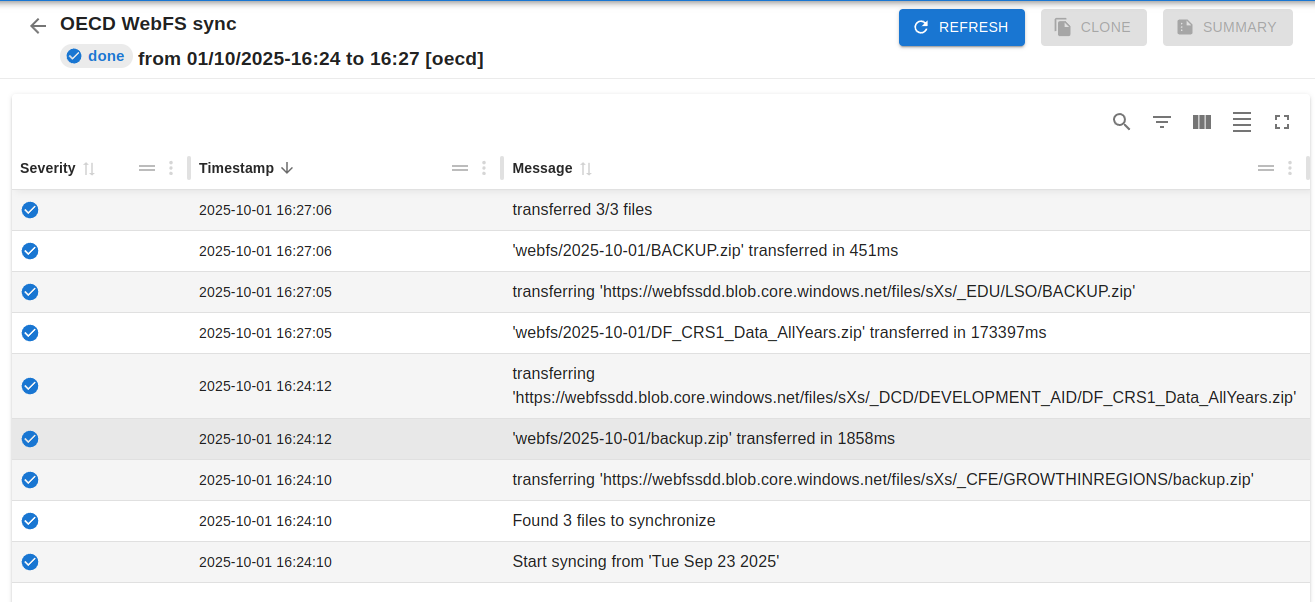
Job
webfs on start will create a Job to log all events: